Group items using layout containers in Tableau
Layout containers let you group related dashboard items together so you can quickly position them. As you change the size and placement of items inside a container, other container items automatically adjust.
Layout container types
A horizontal layout container resizes the width of the views and objects it contains; a vertical layout container adjusts height.
Horizontal layout container
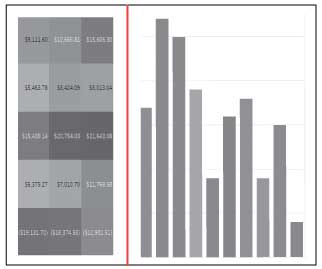
The two views below are arranged in a horizontal layout container.
 |
Vertical layout container
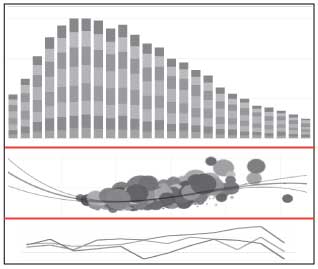
The three views below are stacked in a vertical layout container.
 |
Add a layout container
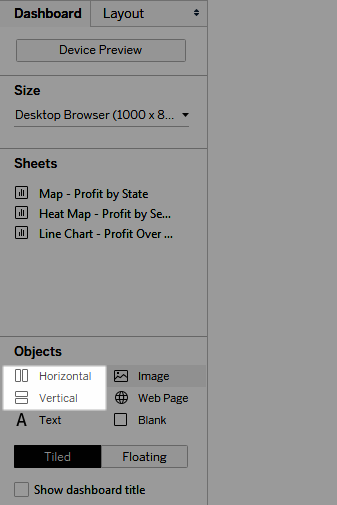
- Under Objects on the Dashboard pane, select Horizontal or Vertical.
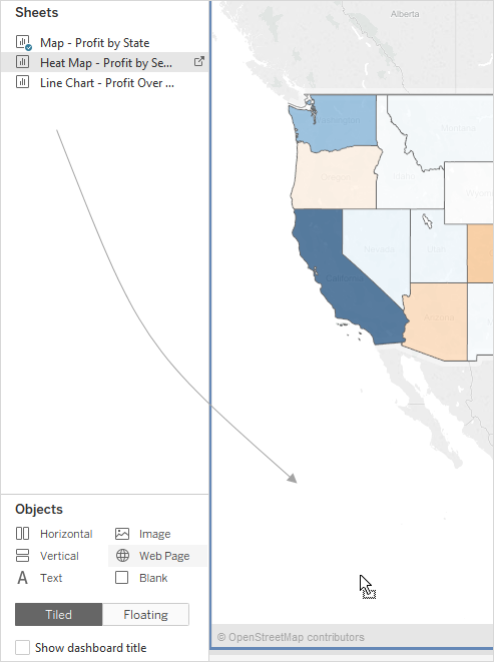
- Drag the container to the dashboard.
- Add views and objects to the layout container.
Comments
Post a Comment